How You Can Teach A Course On Advanced Presentation Skills Without Needing Long Days Of Research.
Now you can build your participants’ confidence and capability in the areas of planning, structuring and delivering presentations, and how to communicate clearly and engage their audience.
Customers teaching confident presenters often complement Presentation Skills with Facilitation Training and Business Meetings.
Meet Our Customers.





































Who Are These Training Materials For?
These ready-to-use training course materials are used by corporate trainers, independent consultants, HR professionals, educators, and people managers.
What’s Covered In This Training Course Material?
1. Introduction
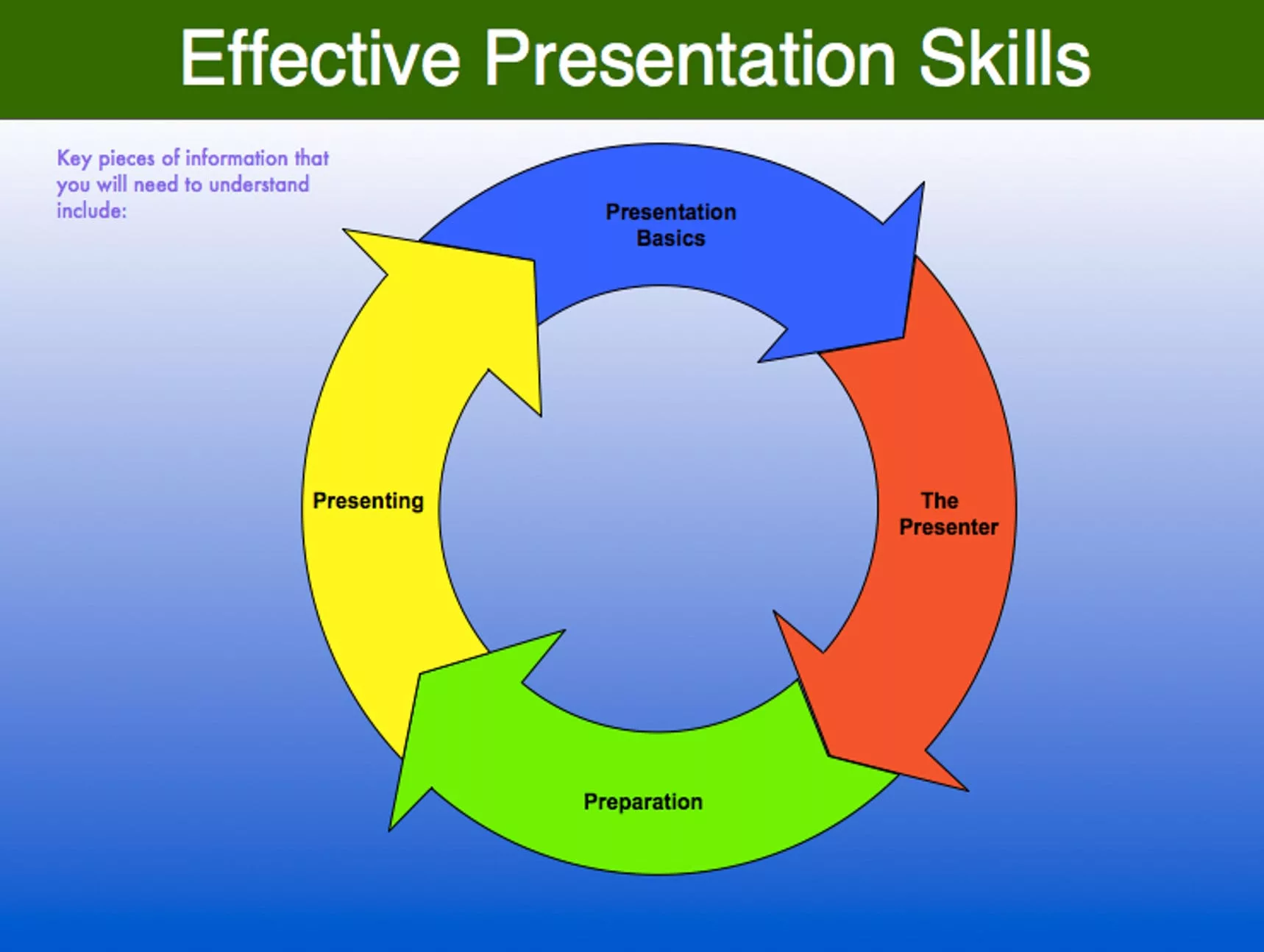
- Presentation basics.
- Presentation performance.
- Two types of presentations.
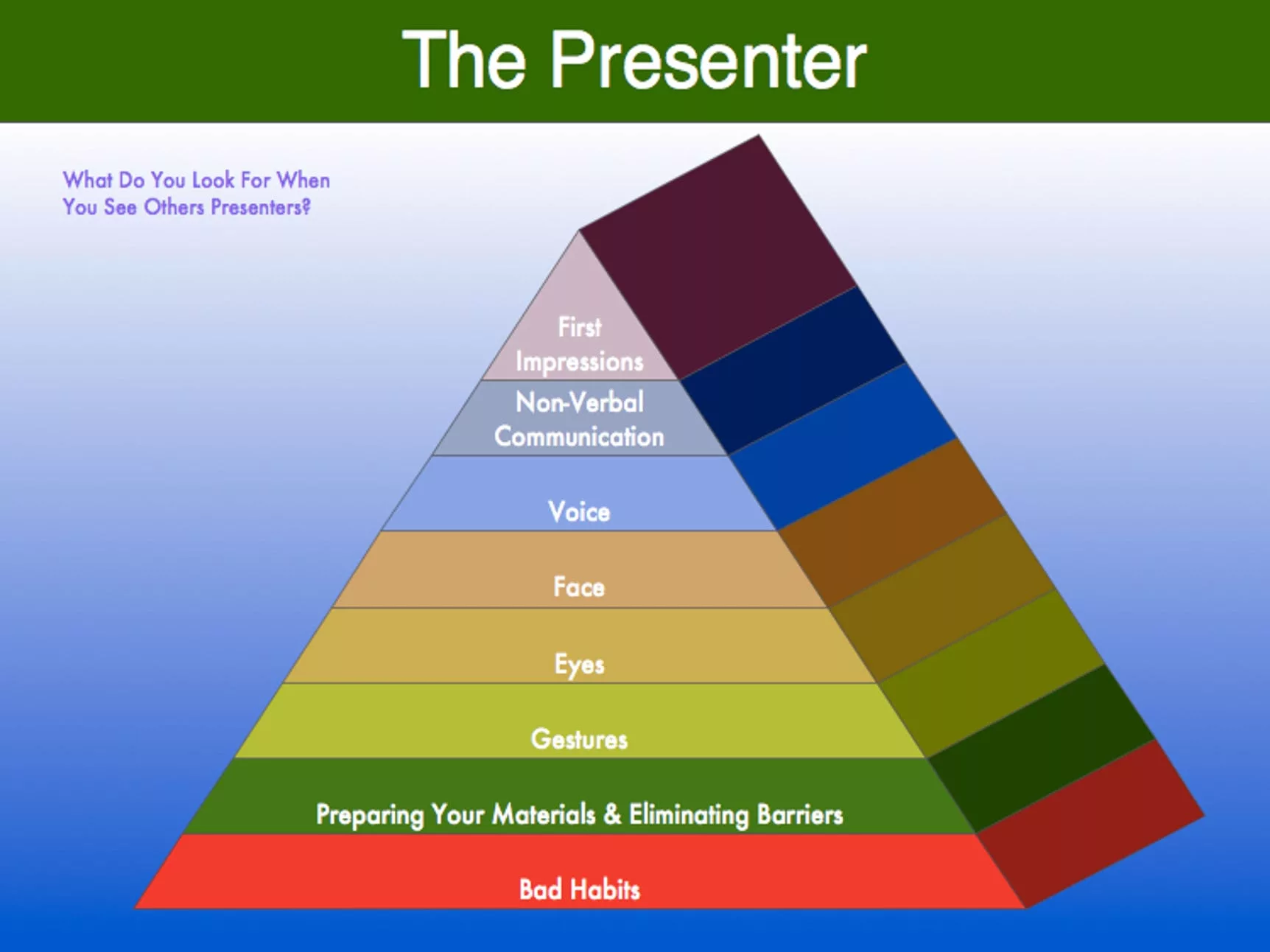
2. The role of the presenter
- Expectations and assumptions.
- Managing first impressions.
- Non-verbal communication.
- The use of voice, face, visual feedback, and gestures within presentations.
3. Preparing with confidence
- The role of complementary communication channels.
4. The tools of the trade
- Presenter notes and practical handouts.
- Visual aids, flip charts, and projectors.
- Presentation software.
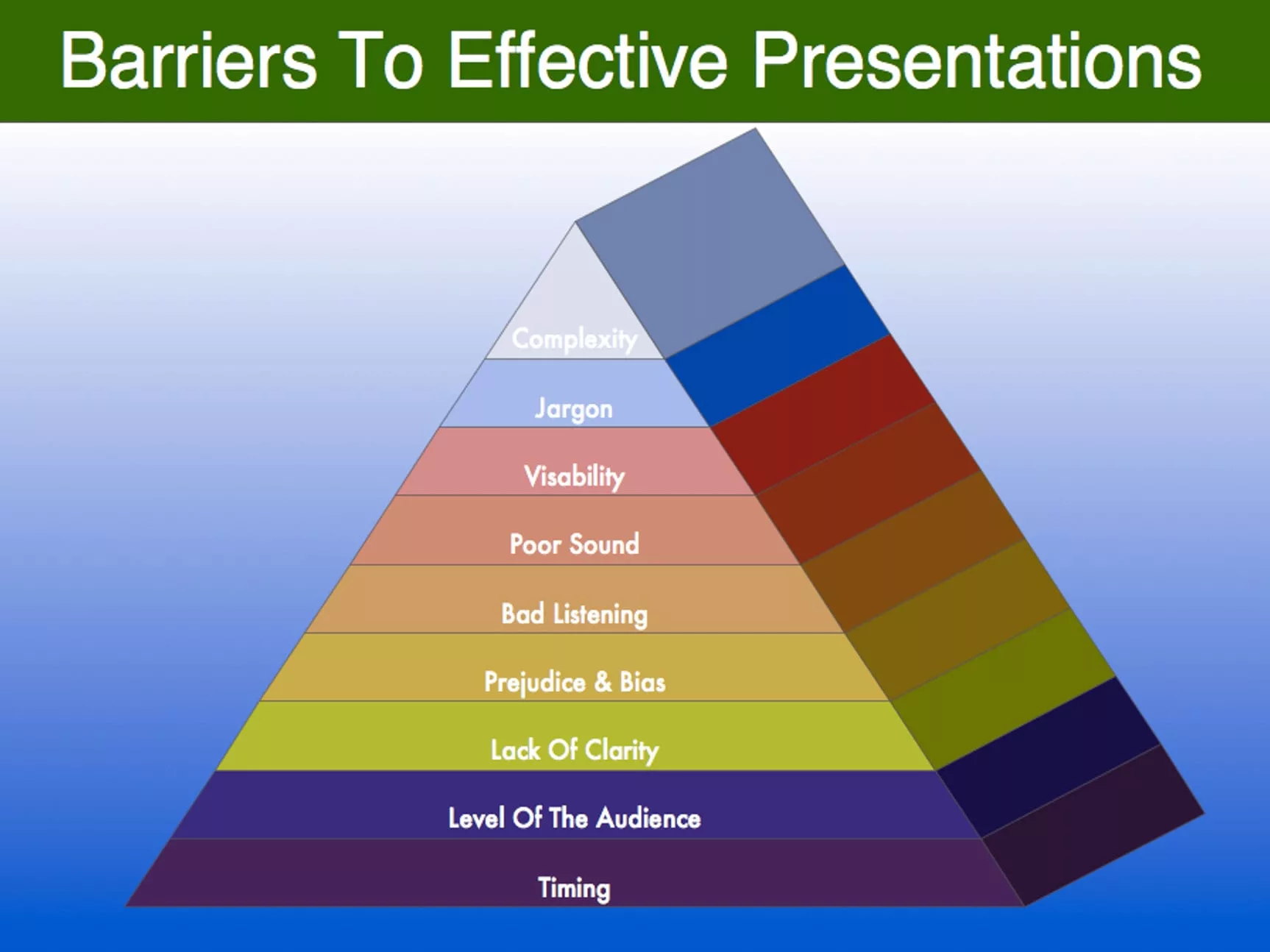
5. Overcoming the barriers to advanced presentation skills
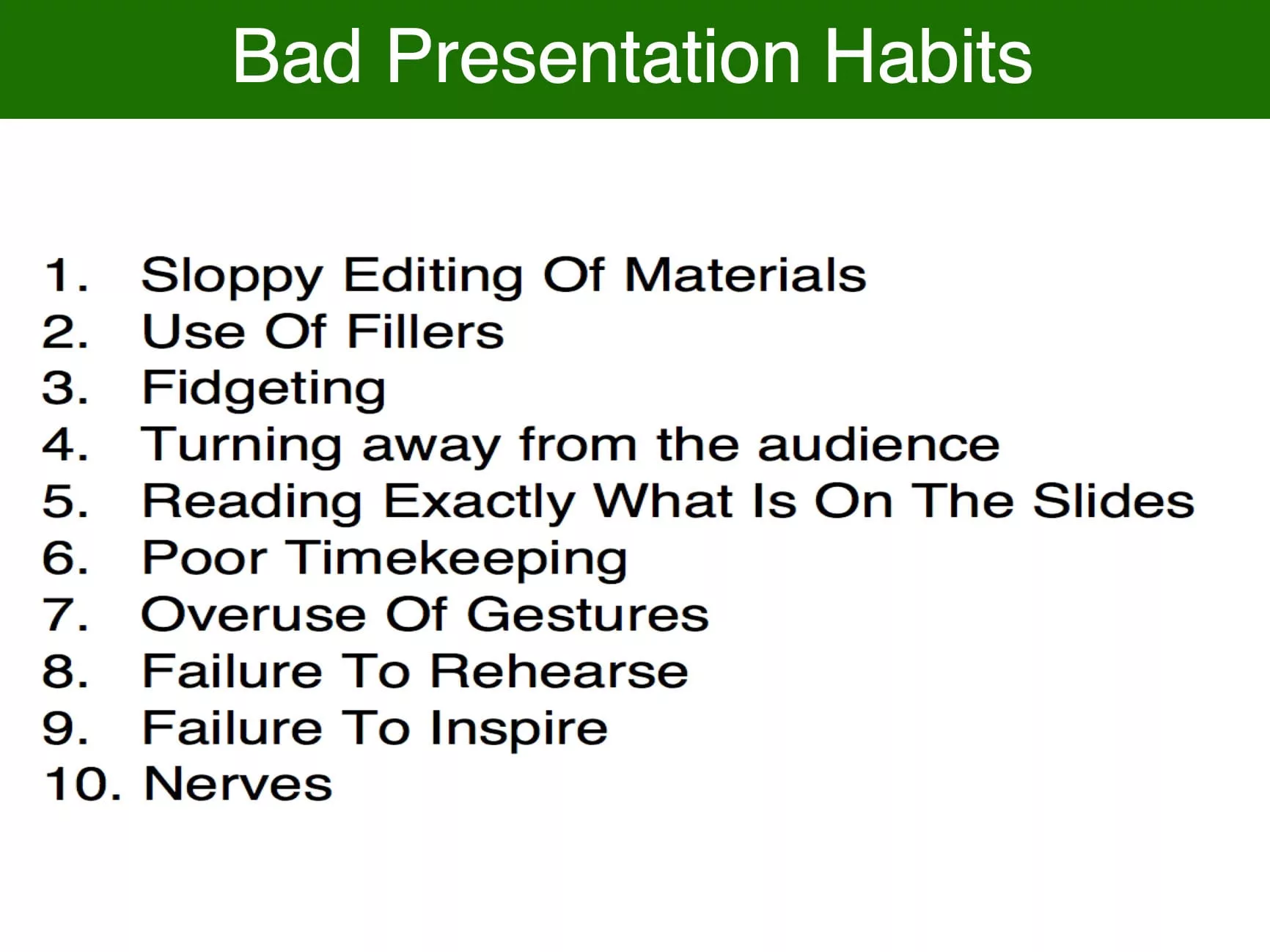
- Poor habits.
- Barriers to effective presentations.
- Audience preparation.
6. How to prepare for presentations
- The need for proper preparation.
- How to identify the purpose of a presentation.
- Presentation structure.
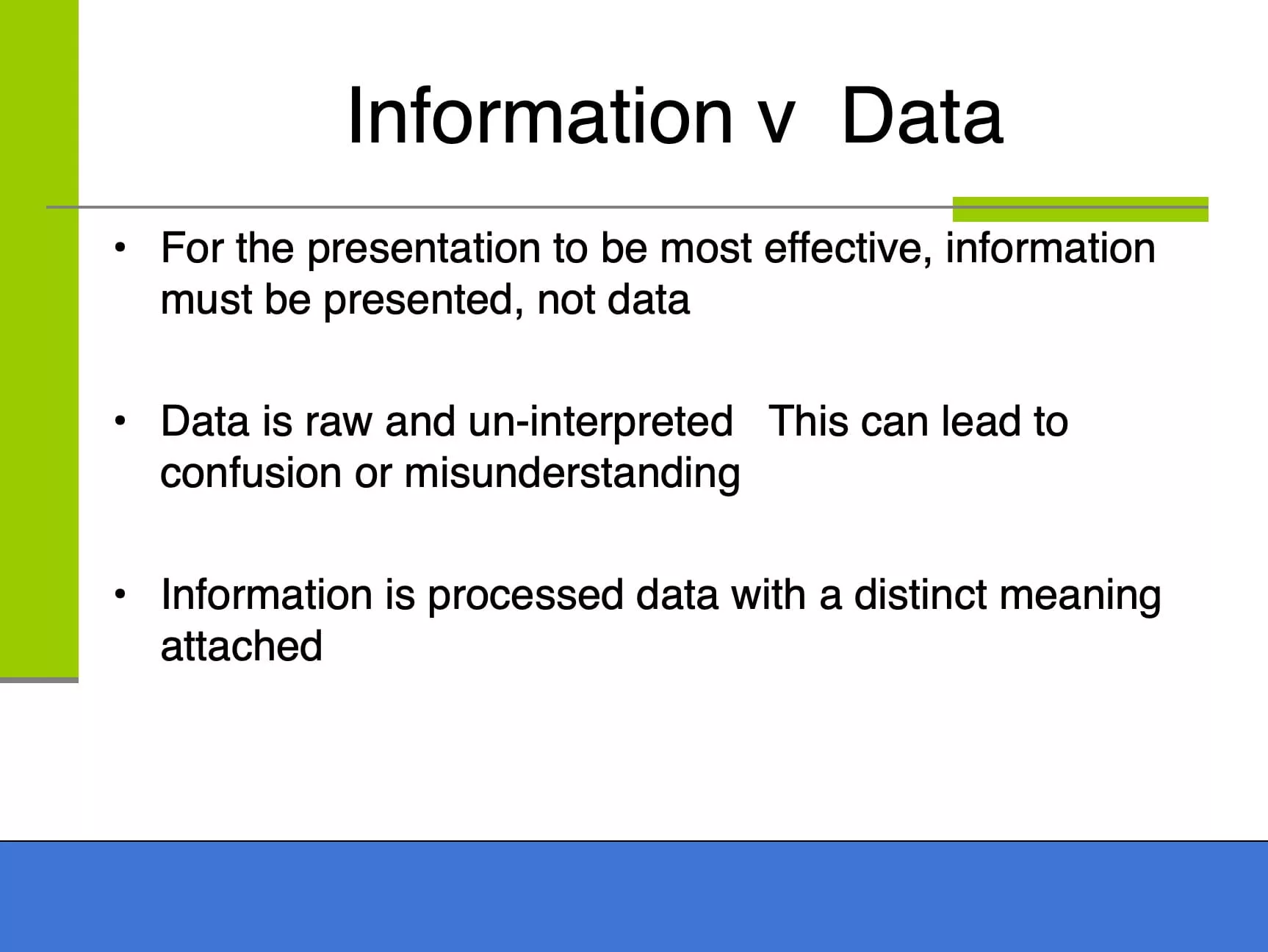
- Information versus data.
- Asking the right questions.
- Presentation skills.
7. How to create the perfect presentation environment
- The presentation audience.
- Transitions.
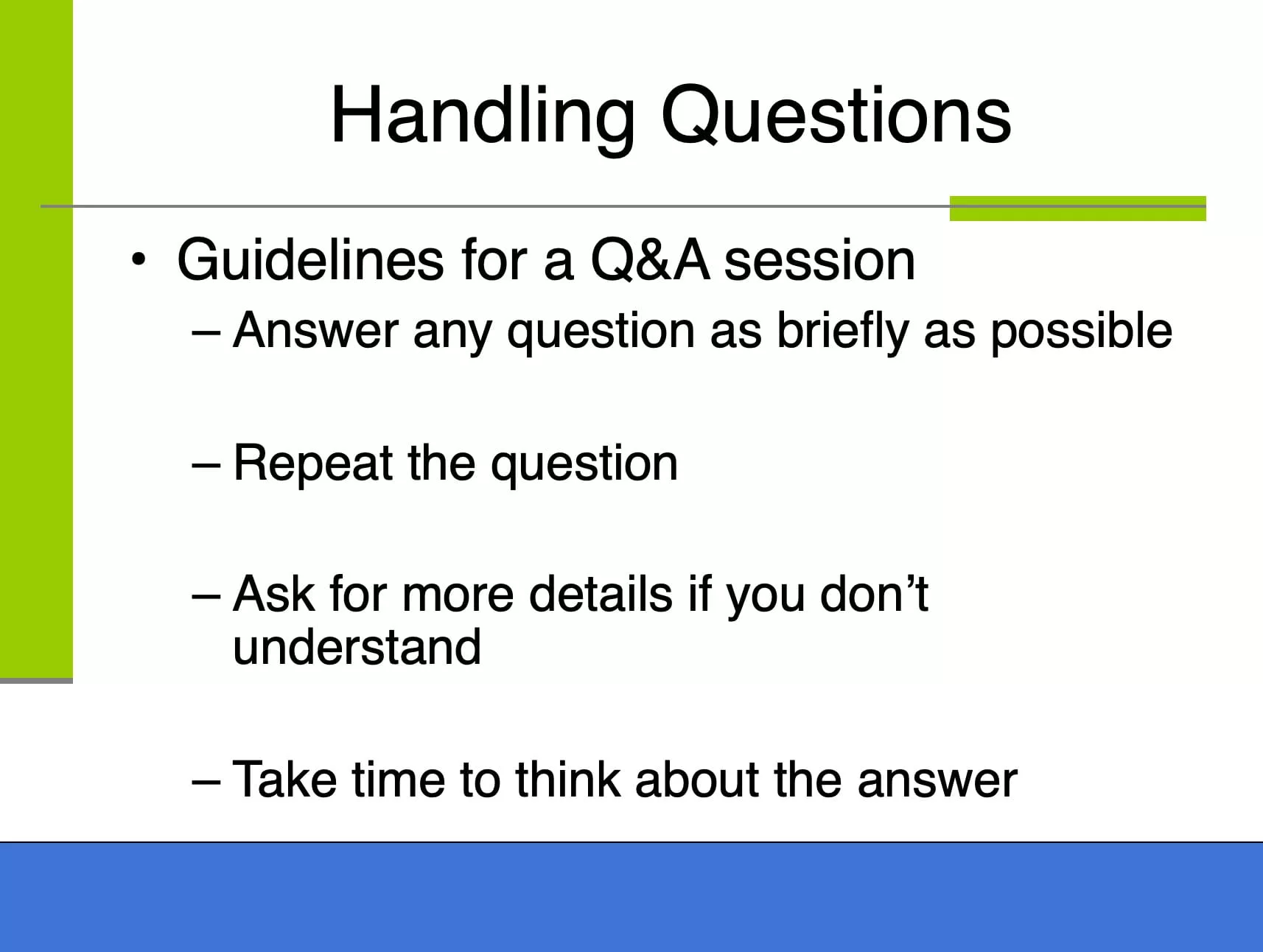
- How to handle questions.
- Q and A session.
- How to handle a heckler.
8. How to present with confidence
- How to start a presentation.
- How to deal with noise.
9. How to understand your audience
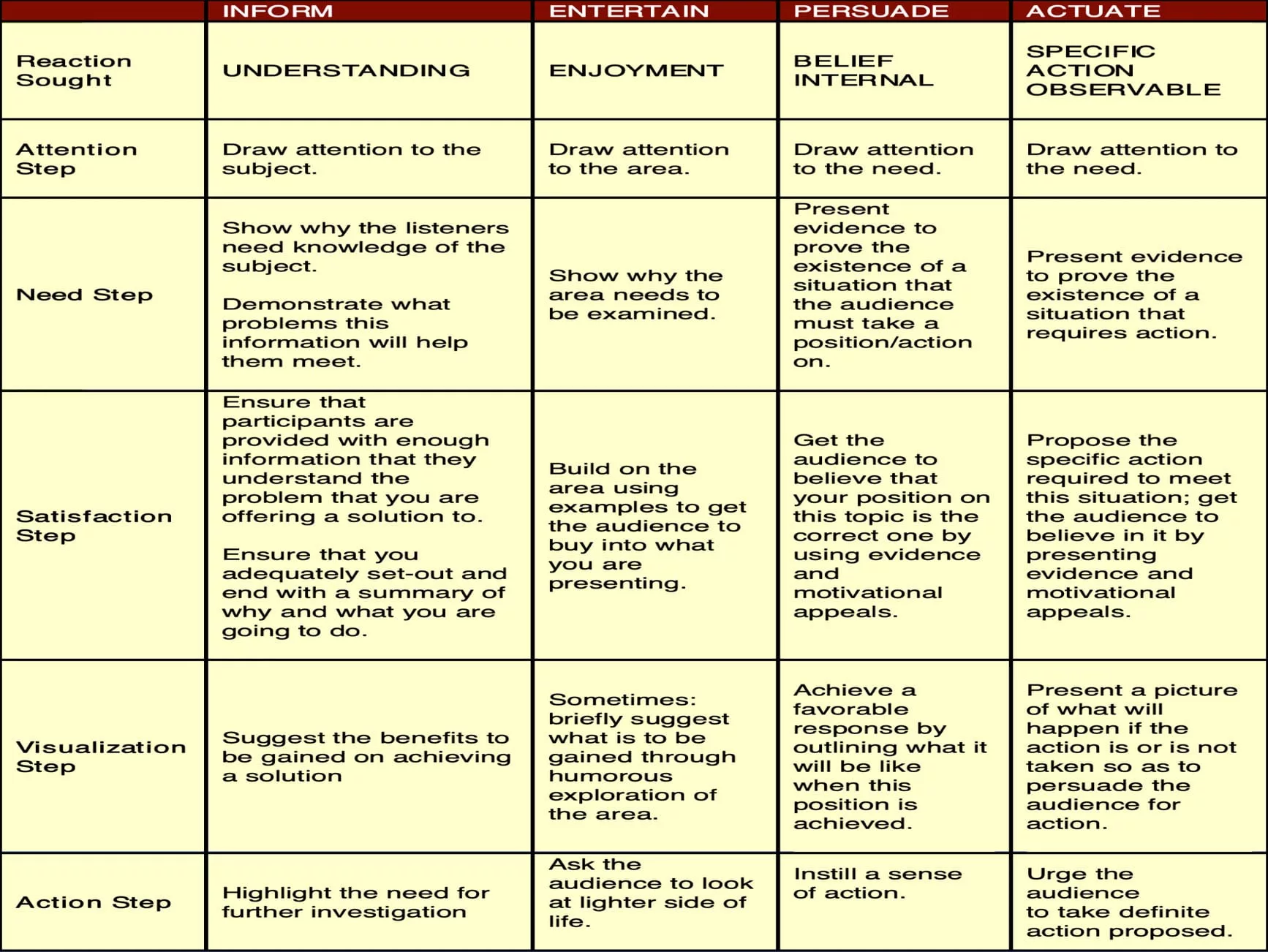
- Monroe’s Motivated Sequence (MMS).
- How to get the attention of an audience.
- Creating a moving need.
- How to define a solution.
- The foundation for a detailed picture of success (or failure).
- A call for action that an audience will/can follow.
Free Workshop Preview.
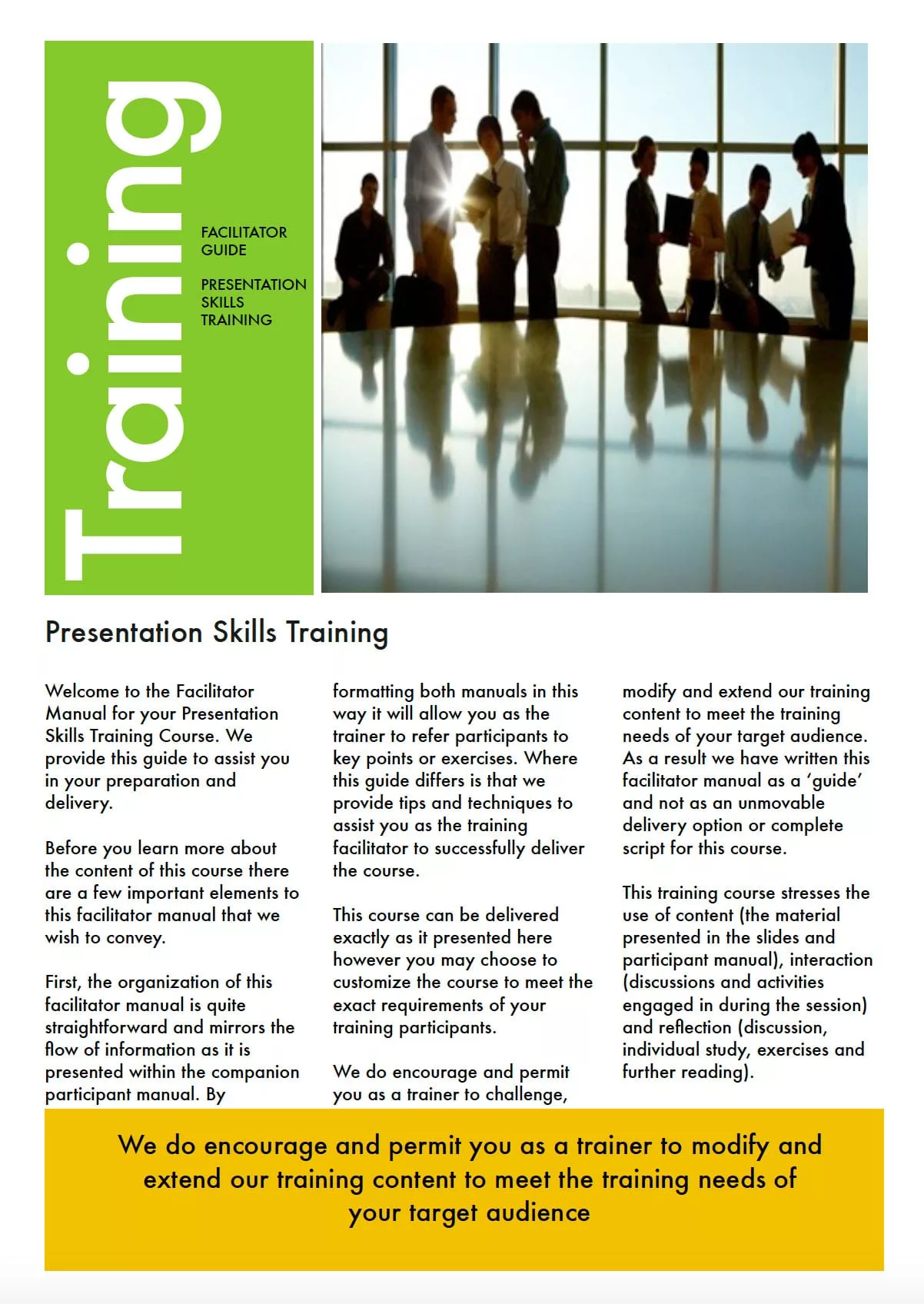
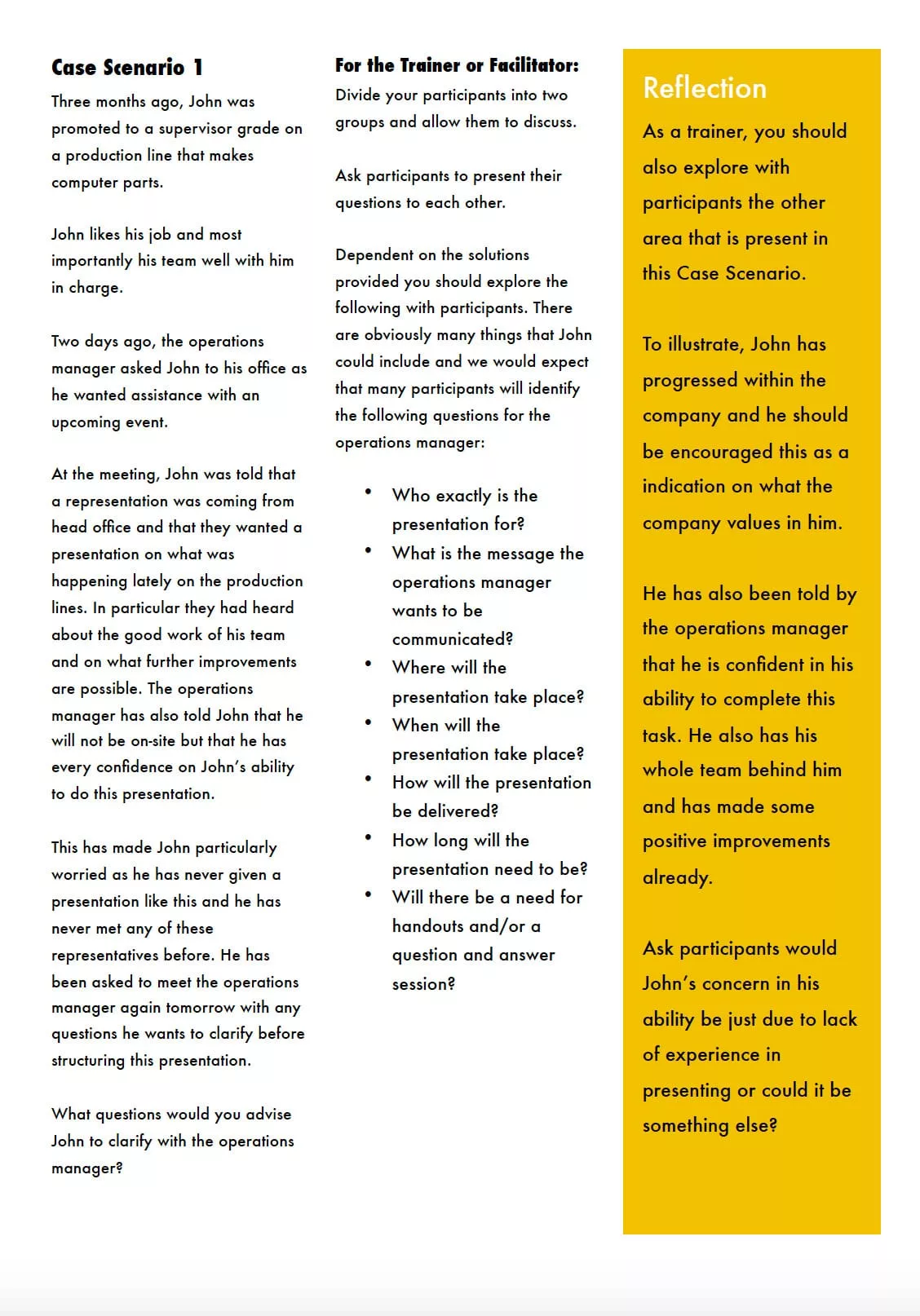
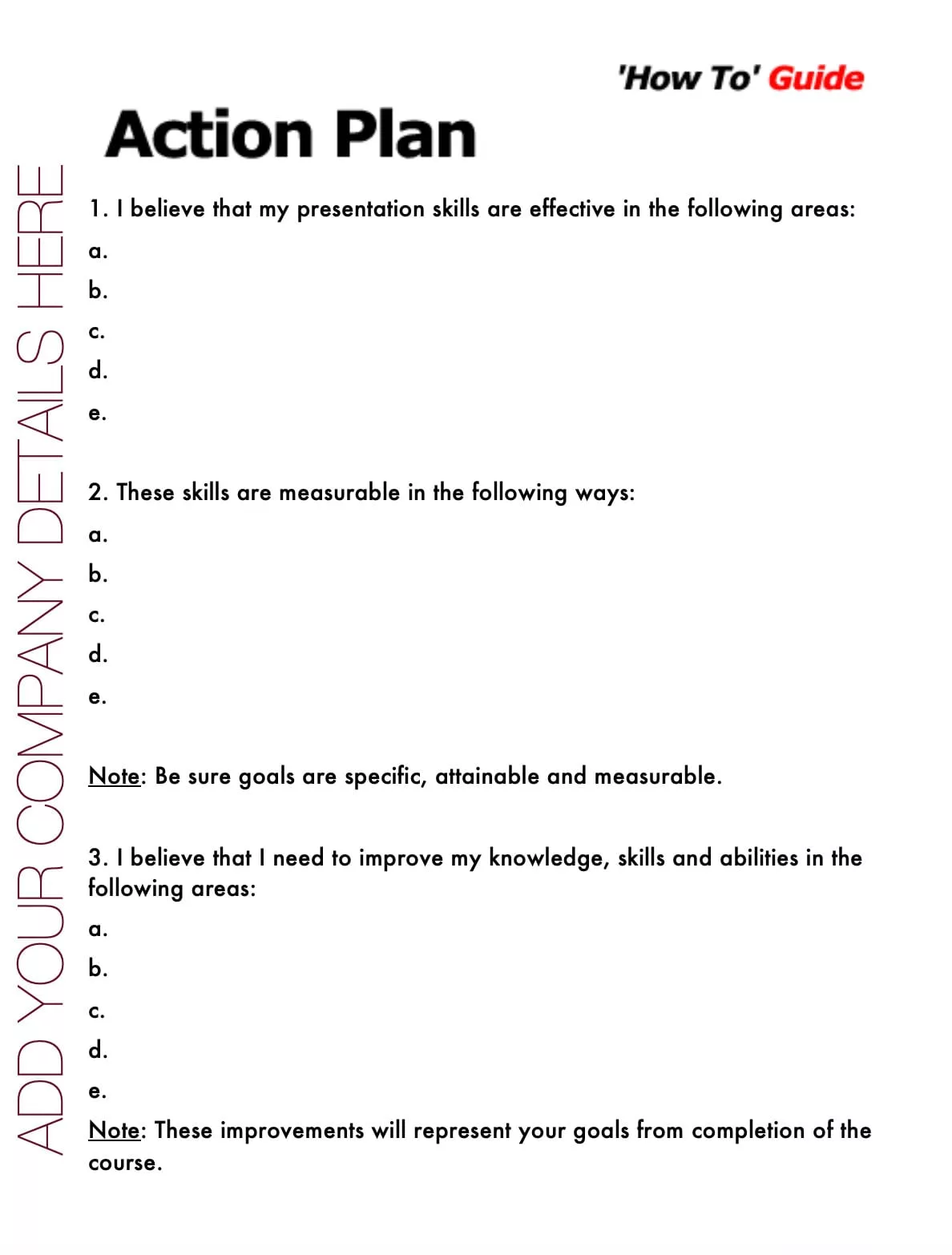
Below are sample materials from this course.
We intentionally use generic backgrounds and titles, so you can easily rebrand and customize everything as your own.
Meet Our Customers.



























What Trainers Say.
★★★★★ “1,000% impressed… Best material I’ve seen, and the price is outstanding.” – Loretta Thirtyacre, COUNTRY Insurance.
★★★★★ “Great value for money — trainers’ notes, slide pack, and delegate workbook all included.” – Pauline Weddell.
★★★★★ “Saved coaches countless hours of program development time for a once-off cost.” – Sylva K. Leduc, SAGE Leaders.
★★★★★ “Purchased the full suite years ago and still refer back—professional and full of info.” – Christy Crump, Crump & Associates.
37 slides • 29-page guide • 92-page workbook • 17 activities • 4 bonus scenarios • Instant download • Use forever
Organizations That Have Downloaded Oak Innovation Training Materials.






















Explore More Customer Service Excellence Training Materials.
-

Advanced Presentation Skills: Training Program For Corporate Trainers
$97.00 - Full Toolkit Add to cart -

Complaint Handling Skills: PPT & Facilitator Guide
$97.00 - Full Toolkit Add to cart -

Conflict Resolution Skills: Courseware & Toolkit
$97.00 - Full Toolkit Add to cart -

CRM Skills: Editable Corporate Courseware
$97.00 - Full Toolkit Add to cart -

Customer Focus Skills: 100% Editable Trainer Package
$97.00 - Full Toolkit Add to cart -

Facilitation Skills: Single Day Training Toolkit
$97.00 - Full Toolkit Add to cart -

Negotiation Skills Courseware For Trainers (Editable PowerPoint Kit)
$97.00 - Full Toolkit Add to cart -

Problem Solving Skills: Participant Workbook + Exercises
$97.00 - Full Toolkit Add to cart -

Sales Skills: Full-Day Workshop Kit (Editable)
$97.00 - Full Toolkit Add to cart -

Social Skills: Fast-Track Trainer Toolkit
$97.00 - Full Toolkit Add to cart -

Telesales Skills Courseware: Trainer’s Handbook Pack
$97.00 - Full Toolkit Add to cart

Meet Catherine, the passionate mind behind Oak Innovation. For more than 30 years, she’s been creating practical, engaging courses that help trainers, L&D professionals, managers, and consultants save valuable preparation time. Her goal is simple: make course creation easier, so you can spend less time preparing and more time delivering great training.